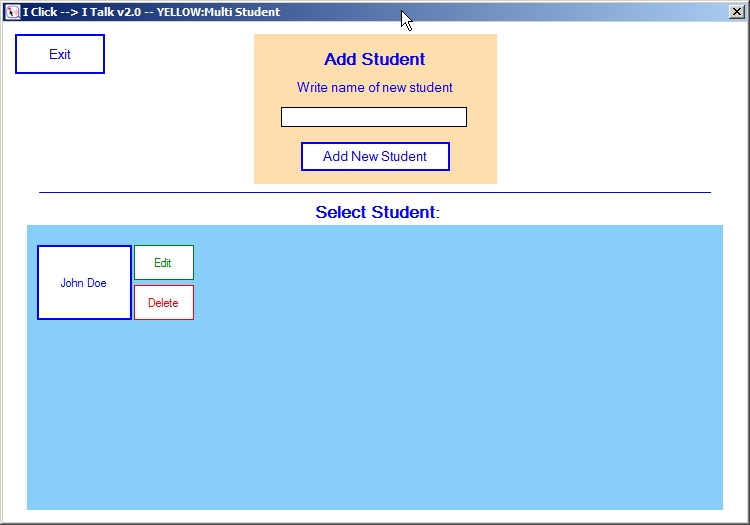
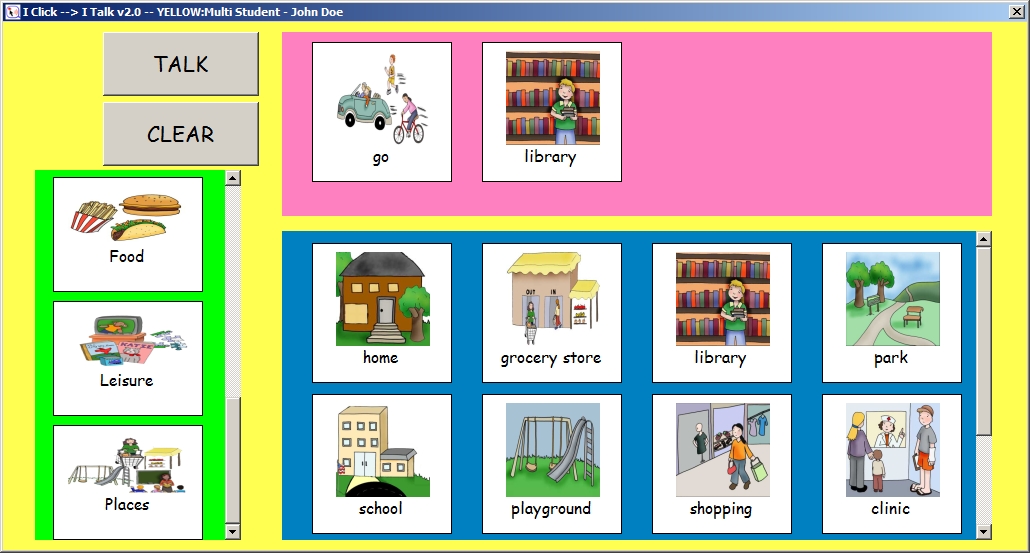
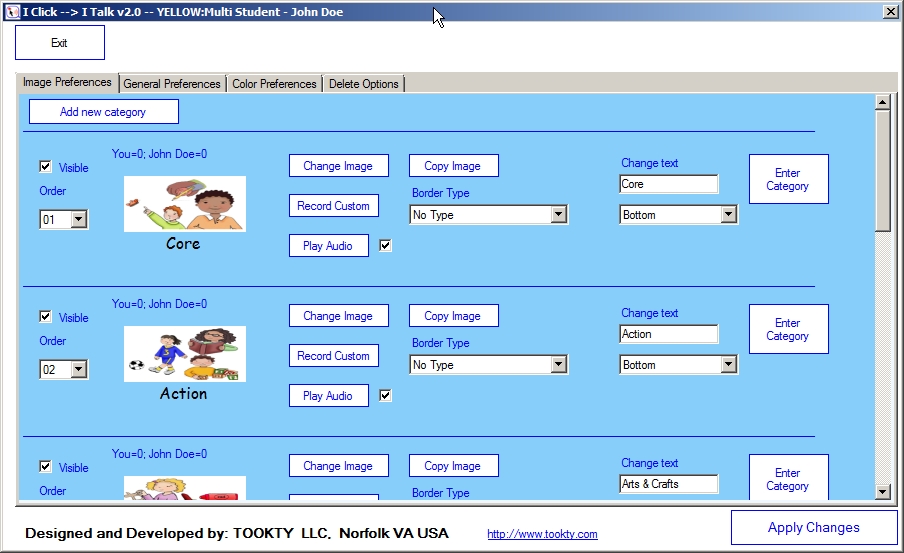
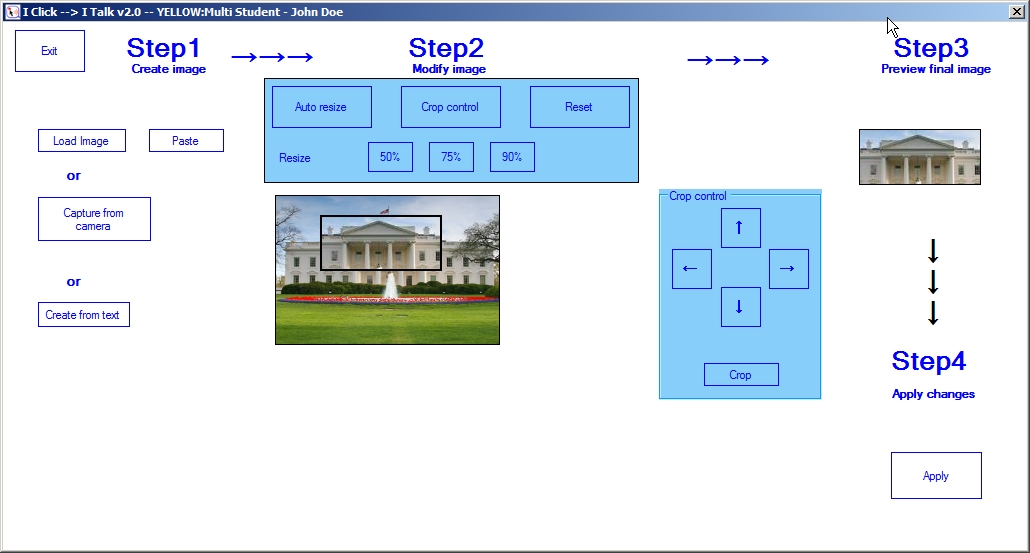
These are screenshots of I Click → I Talk application for Windows platforms (click on the image to enlarge it).
I Click → I Talk: Student selection.
I Click → I Talk: Main interface.
I Click → I Talk: Image manipulation.
I Click → I Talk: Image options.
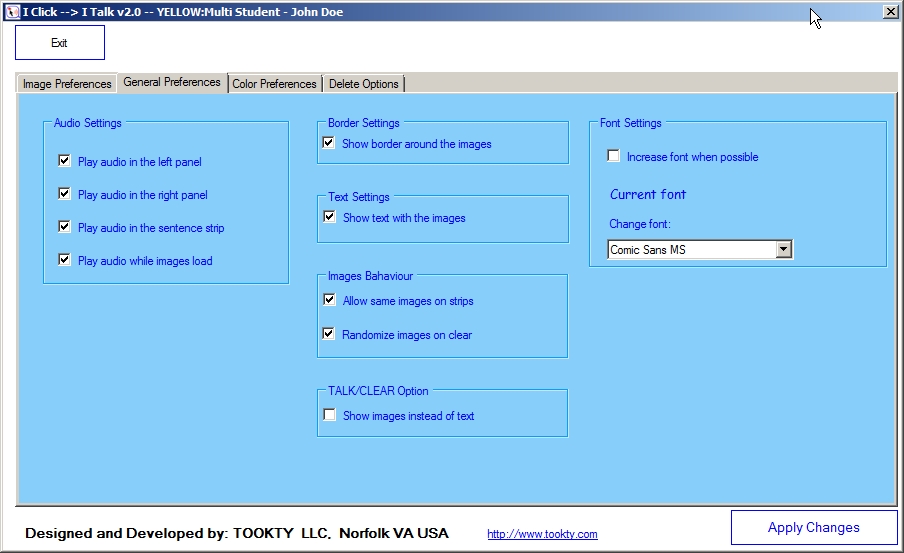
I Click → I Talk: General preferences.
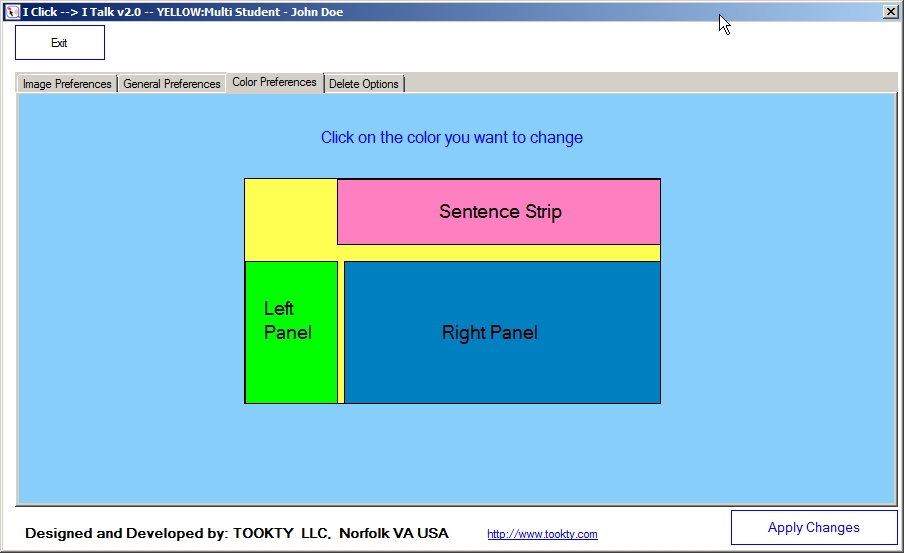
I Click → I Talk: Background Color preferences.
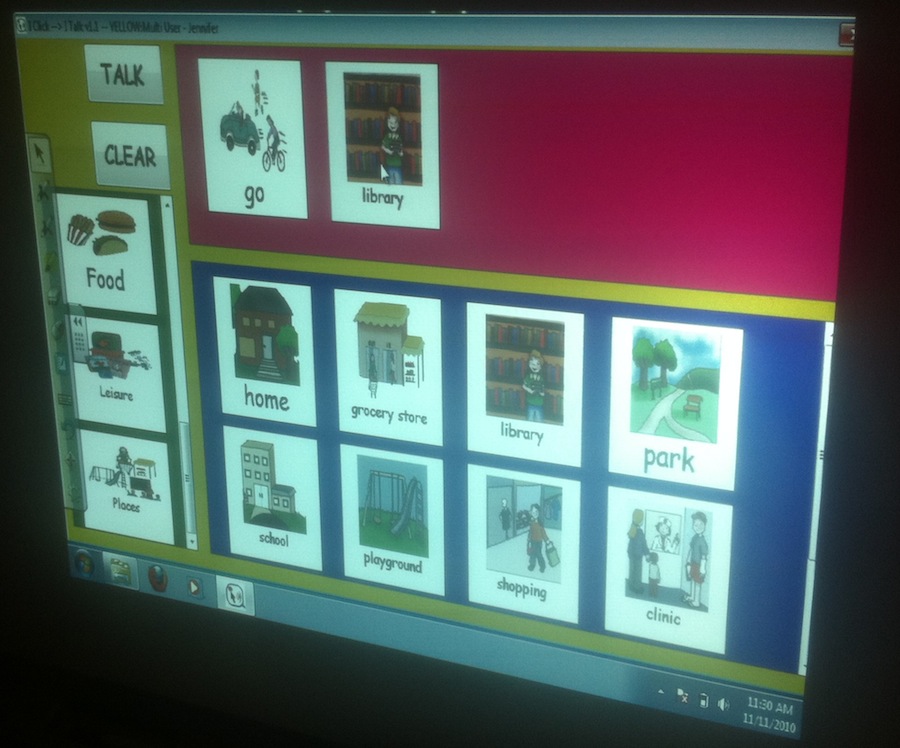
I Click → I Talk on a Smart Board.